Sources reviewed September 27, 2026. The correct name is mtioon. The one-prompt claim comes from the creator’s demonstration; we did not reproduce it or purchase a plan.
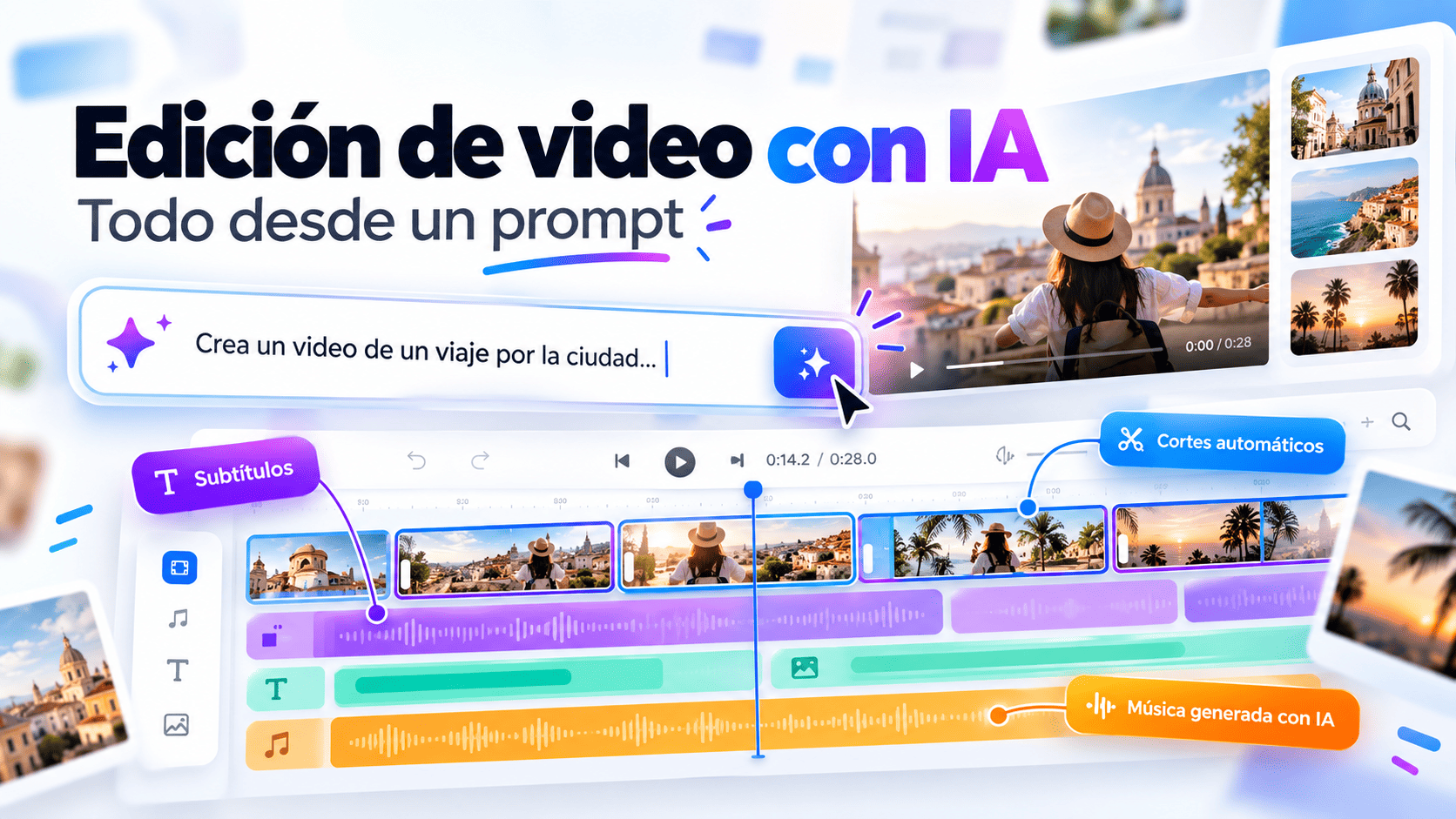
javi’s short demonstration attributes a motion-design result to Opus 5.5 and mtioon. The useful idea is that the work remains editable. A business changing offers, languages or campaign formats needs to revise words and timing as well as generate an attractive draft.
What is mtioon?
mtioon describes a motion-design editor connected to Claude Code through MCP. Its site presents video creation from a project’s copy, fonts, colours and assets. The correct domain has two “o” characters: mtioon.com.
The model plans and edits, the tool connection changes the project, and the timeline lets a person inspect it. Separating those roles helps you decide which part of production needs improvement.
What the one-prompt demonstration actually proves
The original post describes the result as Opus 5.5 plus mtioon and one prompt. It documents the creator’s example, not a controlled comparison or a guarantee that every brief takes one attempt.
Your assets, missing copy, pacing and approval process affect the work. A launch video should explain something useful to a customer, even if reaching that result needs several revisions.
How the editable workflow works
The guide describes connecting to Claude Code, building with layers and editing the result. Layers can include text, shapes, images, footage, 3D and code. It documents MP4 exports and individual PNG frames.
The hosted connection is https://mtioon.com/api/mcp. The guide describes timeline adjustments and a property inspector, so the initial draft can be refined manually rather than regenerated for every change.
Write a brief for a useful campaign asset
Start with one audience and one message. A fifteen-second announcement might show the problem, reveal the product and end with a next action. Supply an exact headline, approved logo, palette and destination URL rather than asking the model to invent claims.
Describe the format and channel. A vertical social clip and a desktop product tour need different framing. Make essential words readable on a phone, give the offer time to land and keep the action clear of interface overlays.
- Audience, offer and main message.
- Duration, aspect ratio and target channel.
- Approved copy and assets with rights of use.
- Readable captions and a clear final action.
- Review owner and editable project handover.
Review it as a customer would
Watch without sound: can you understand the offer and next step? Then check whether music competes with the message. Inspect opening and closing frames, mobile crops and important transition timings.
Measure the published asset against its purpose, such as a product visit or an enquiry. Change one variable at a time. An attractive animation alone cannot show which part of a funnel improved.
Budget for the tool and the creative process
At review time, the official site offered a seven-day trial requiring a card, continuing as Starter if retained. Check current terms directly: “free” in a social post does not describe all conditions.
Separate tool subscriptions, model usage, asset licences and creative work. Agree which files the client receives and who can maintain the editable project after launch.
Frequently asked questions
Is mtioon a video-generation model?
Its guide describes an editor with layers and an MCP connection. Claude operates those tools; the workflow is different from receiving only a flattened clip.
Does one prompt always produce a finished campaign?
No. That describes the creator’s example. A commercial deliverable still needs accurate copy, suitable assets and approval.
Can the video work in English and Spanish?
Prepare approved copy and review timing for each language. Translation length can change line breaks, scene duration and mobile framing.
Sources & editorial review
Primary sources consulted for this article. Practical recommendations are Meuveryone’s editorial analysis. We do not claim affiliation with these companies.
The business benefit is revision: words, timing and layers can evolve with a campaign. Begin with a clear brief and judge the finished message.
Explore the related service ↗