
Verified September 27, 2026 against the official announcement and current text-generation guide. MiniMax documents access through Token Plan and MiniMax Code. Performance claims have not been independently tested here.
MiniMax M3.1-Flash-Preview brings another model choice into MiniMax Code. For a business, the useful question is what it can help deliver: a clearer landing page, a corrected form or an integration that saves work. A preview label alone does not explain how well it will handle your project.
What is confirmed about the new preview?
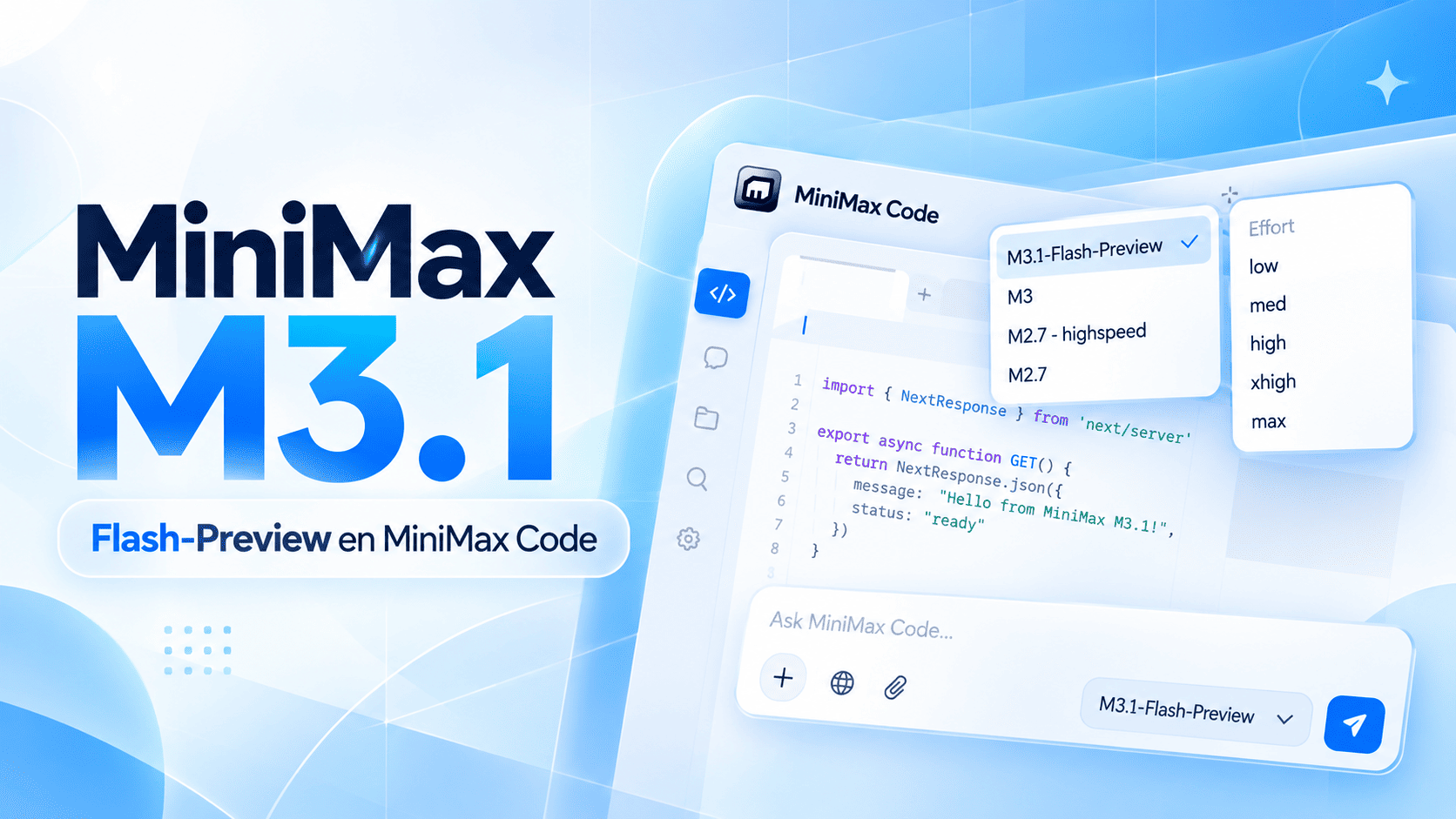
The official Code selector lists M3.1-Flash-Preview alongside M3, M2.7 and M2.7 HighSpeed. MiniMax Agent’s announcement positions it for everyday coding, from fixes to fuller features. These are product claims, rather than results from our own comparison.
Check availability in your account and record the version used. Rollouts, access conditions and selected defaults can change.
Token Plan access and the documented API model
The current guide lists MiniMax-M3.1-Flash-Preview, a one-million-token context and Anthropic- and OpenAI-compatible interfaces. Availability is currently limited to Token Plan and MiniMax Code.
Use that exact identifier with an eligible subscription key. For a Make or n8n pilot, validate your account access and a small request first; access conditions are not the same as unrestricted pay-as-you-go availability.
Begin with one bounded website improvement
A useful trial has a visible outcome. Ask the tool to improve a mobile enquiry form while preserving its fields, destination and consent text. Provide the current component, the expected layout and situations that must still work.
Review the proposed change against that brief. A beautiful first screen is only part of a feature: navigation, keyboard access, translated labels and error states matter to the customer as well.
- One user action and an expected outcome.
- A separate Git branch with sample data.
- A reviewed diff and mobile/desktop checks.
- A known working version to recover.
Measure the whole change, not only response speed
Record time to the first usable draft, corrections required, broken behaviour and review time. A quick answer can still create a long repair process. The meaningful comparison is how efficiently your team reaches an accepted result.
Give competing tools the same brief across several tasks of similar scope. Evaluate the result against requirements before choosing a winner. A single impressive demonstration cannot tell you how consistent a model will be on your own code.
Turn the pilot into a maintainable process
Define who writes the brief, who reviews and who releases. Save the accepted code, model version and deployment reference. The website should remain maintainable if a preview changes or disappears.
For integrations, plan timeouts, invalid responses and retries. Keep credentials on the server, explore with sample data and require human review wherever an incorrect action could affect a customer. Adding a model should make responsibility clearer.
Frequently asked questions
Can M3.1-Flash-Preview already be used through an API?
Yes, the current guide documents MiniMax-M3.1-Flash-Preview through eligible Token Plan access. Check your account and the current guide before integrating it.
Is it proven faster or better than other coding models?
Not by this article. Vendor positioning is different from a controlled comparison of your development tasks.
Can AI code go straight to production?
It needs an agreed scope, review, browser checks and a controlled release. The business remains responsible for the outcome.
Sources & editorial review
Primary sources consulted for this article. Practical recommendations are Meuveryone’s editorial analysis. We do not claim affiliation with these companies.
Treat the preview as a candidate for a measured pilot. Confirm access, review the outcome and release a change you can trace and recover.
Explore the related service ↗