
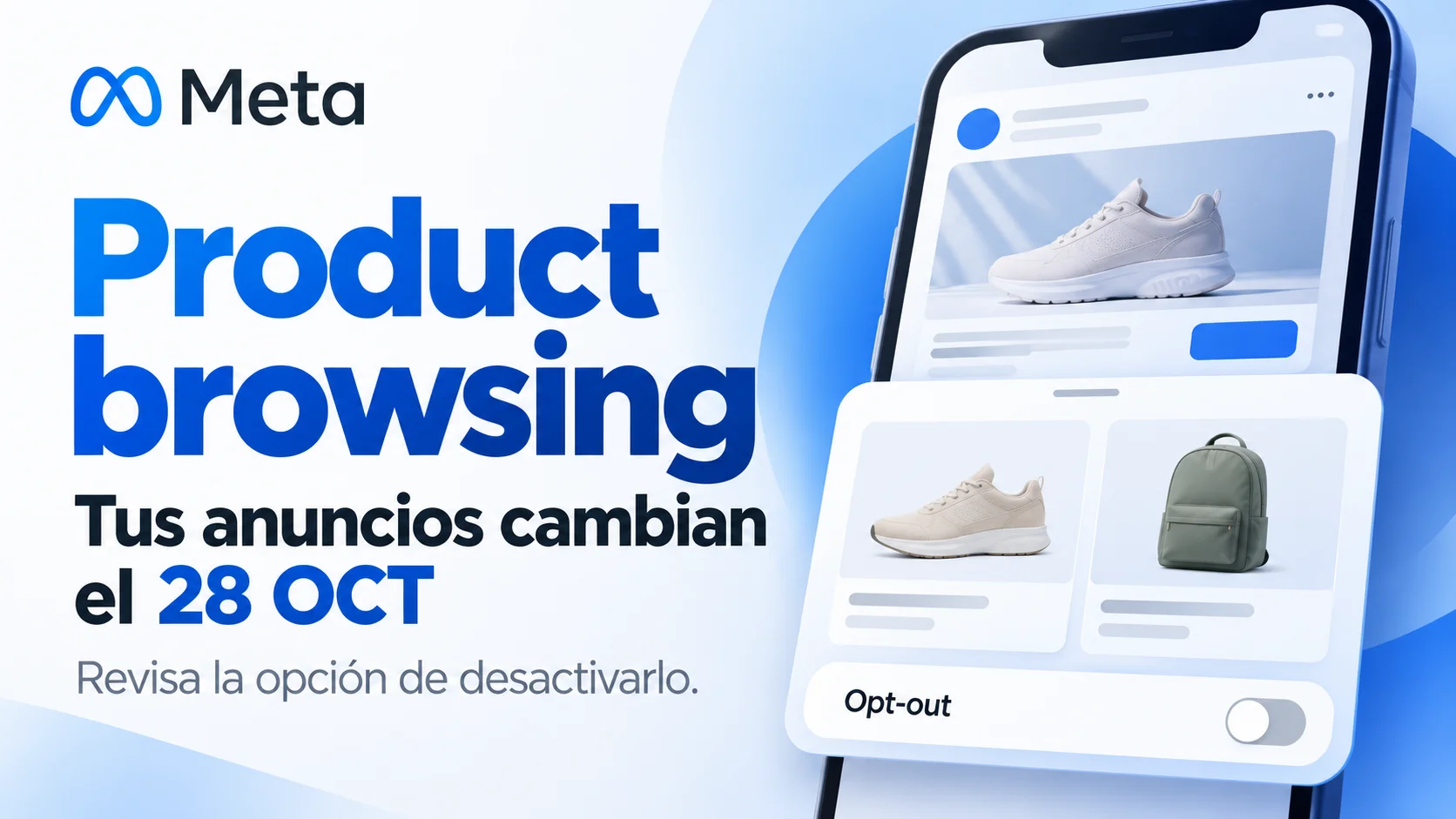
Direct answer: A Meta advertiser notice reproduced by PPC Land announces product browsing for existing Facebook and Instagram ads from 28 October 2026 unless advertisers opt out beforehand. Some taps may open product information and suggestions inside Meta before a website visit. Check the notice and settings in your own ad account.
What changes and what is confirmed
The announced change concerns ads already running. A tap may introduce an in-app product experience, so review whether the destination still matches the campaign’s purpose.
The source is the advertiser notice reproduced by PPC Land on 15 October. We did not find a public Meta page detailing this rollout. The notice does not specify all affected formats, placements or objectives, or whether its opt-out button covers one account or several. Confirm that scope in your account.
Review the opt-out before 28 October
- Find the product browsing notice in account notifications or the email associated with the ad account.
- If you want to retain the current journey, open the opt-out before 28 October 2026. Confirm the account identified and keep its confirmation.
- Review product browsing in Advantage+ Creative and the destination settings of active ads; labels can vary by account and language.
- Record the ads checked and inspect their preview and destination after saving.
This is an editorial review checklist. No advertising-account settings were changed to prepare this article.
What to check after the change
Audit a sample of active ads after 28 October. Check the actual journey and individual configuration; the notice says the feature can be switched on or off in ad settings. If you use a catalog, review availability, prices and the match between each product, ad and destination.
Do not assume an account without a catalog is unaffected: the notice does not clarify that requirement. It also leaves defaults for newly created ads unspecified.
Why measurement matters
An in-app step may change the relationship between ad taps and landing-page sessions. Compare outbound clicks, sessions and conversions over consistent periods, and review other campaign changes before attributing a movement to this feature.
For a campaign meant to reach a particular landing page or checkout, verify that journey. For product discovery, evaluate the in-app experience against agreed criteria and current product data.
Frequently asked questions
Does this affect every ad? The notice refers to existing Facebook and Instagram ads but does not identify every format, placement or objective. Check your own account notice and settings.
Can I disable it after 28 October? The notice says product browsing can be switched on or off in Advantage+ Creative and ad destination settings. Review each applicable setting and save the change.
What is product browsing? An experience that may display product information and suggestions inside Facebook or Instagram after a person taps an ad.
Do I need a catalog to be affected? The consulted notice does not clarify that requirement. Review product data if you use a catalog, and check ad behavior even if you do not.
Sources and editorial review
- PPC Land: Meta’s product browsing notice, 15 October 2026.
- Meta Ads Manager: check your account notice and settings.
Reviewed on 26 October 2026. The date and controls come from the notice reproduced by PPC Land; the exact scope requires an account check. See also what Meta’s ads assistant can change.
Review the notice before 28 October, confirm the account and check ads after saving. Decide according to your campaign’s journey and measurement.
Explore the related service ↗